


Best Canva alternatives: top 9 in 2026
![Canva alternatives: the top 9 [updated for 2026]](https://cdn.prod.website-files.com/59e16042ec229e00016d3a66/69700662b2570d39ad16d5c4_696199564f6df0f9f75310e9_6961925c939b466de3ebac77_beautiful%2520ai%2520vs%2520Canva.avif)

Best Canva alternatives: top 9 in 2026
Canva is one of the most widely used design tools for creating presentations, especially for teams that want speed, visual polish, and a huge library of templates. It’s often the first stop for slide deck creation because it combines graphic design capabilities, drag-and-drop editing, and a workflow that feels approachable for beginners.
At the same time, Canva sits in a crowded presentation software market. Newer AI-powered presentation tools now offer faster “text-to-deck” creation, while established platforms like Microsoft PowerPoint and Google Slides still lead in enterprise compatibility, advanced features, and collaboration features within existing ecosystems.
This guide breaks down where Canva fits best, why teams look for the best Canva alternatives, and which options stand out depending on whether you care most about automation, design control, interactive presentations, or export flexibility.
What is Canva?
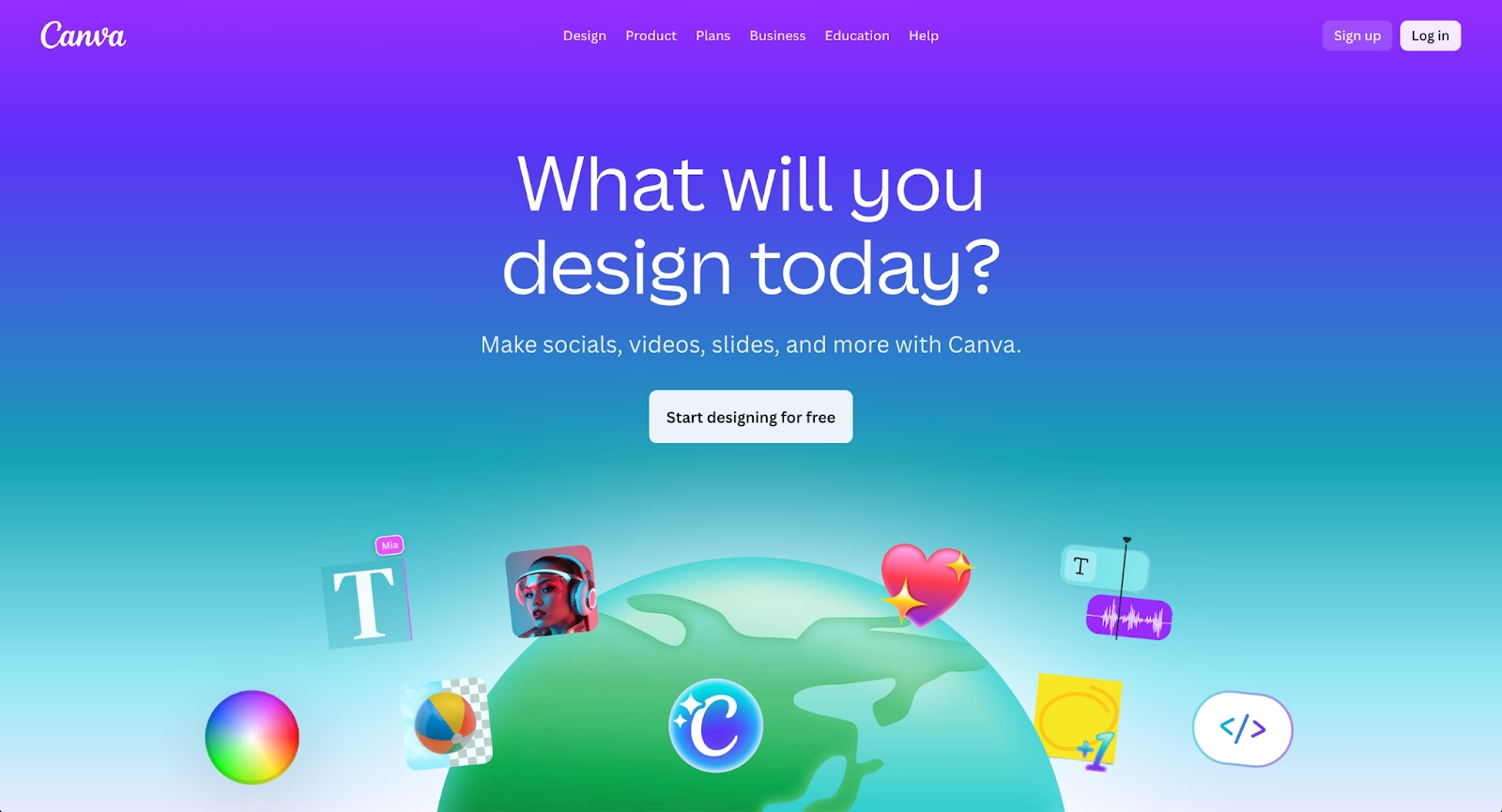
Canva is a design platform that also functions as a presentation maker, letting users build slide decks with a drag-and-drop editor, customizable templates, and a large asset library including free images, icons, illustrations, and fonts. It’s especially popular for social media posts, marketing decks, and internal updates where speed and consistency matter more than deep layout engineering.
For presentations, Canva supports common workflows like starting from layouts, building from scratch, and repurposing content across formats such as social media graphics, one-pagers, and simple docs. Its appeal is that most users can produce a polished slide deck without needing specialist graphic design skills or a steep learning curve.
In recent years, Canva has also added more AI features to accelerate content creation, helping users draft layouts, generate visual directions, and move faster from an outline to a finished presentation.
Why look for Canva alternatives?
Even with strong templates and a broad feature set, Canva isn’t the right fit for every presentation workflow. Some teams want more structured automation, design software that automatically manages design elements as content changes, so slides stay clean without manual resizing and alignment.
Others need design platforms that match how their organization already works. If your team lives in Microsoft 365 or Google Workspace, native tools like PowerPoint or Google Slides can offer simpler sharing, easier governance, and fewer format issues when collaborating across departments.
There are also use-case gaps. Teams building data-heavy decks, complex animation and transitions, or client-facing pitch decks with strict brand kit controls may prefer platforms with more advanced features and export options. And if the priority is AI-generated drafts at speed, especially for repeatable decks, dedicated AI tools can reduce setup time compared to a blank Canva canvas.
Top 9 Canva alternatives
The tools below represent strong Canva alternatives, each catering to different presentation workflows. Some prioritize AI-powered automation, others focus on enterprise-ready design software, while a few are built specifically for pitch decks or narrative-driven storytelling. The right choice depends on whether your team values speed, structure, collaboration, or deep design control.
Beautiful.ai

Beautiful.ai is a presentation-focused design platform built around automation and consistency. Unlike Canva’s freeform drag-and-drop editor, Beautiful.ai uses smart layouts that automatically adjust spacing, alignment, fonts, and design elements as content changes. This makes it easier to create high-quality, professional designs without manually managing layouts or formatting.
The platform is especially appealing to teams creating slide decks, reports, and structured presentations where brand consistency matters. Beautiful.ai includes AI-powered features that guide layout decisions in real time, reducing the learning curve for beginners while still supporting advanced workflows. For users who primarily use Canva for presentations but want less manual editing and more design automation, Beautiful.ai is one of the strongest Canva alternatives available.
Figma
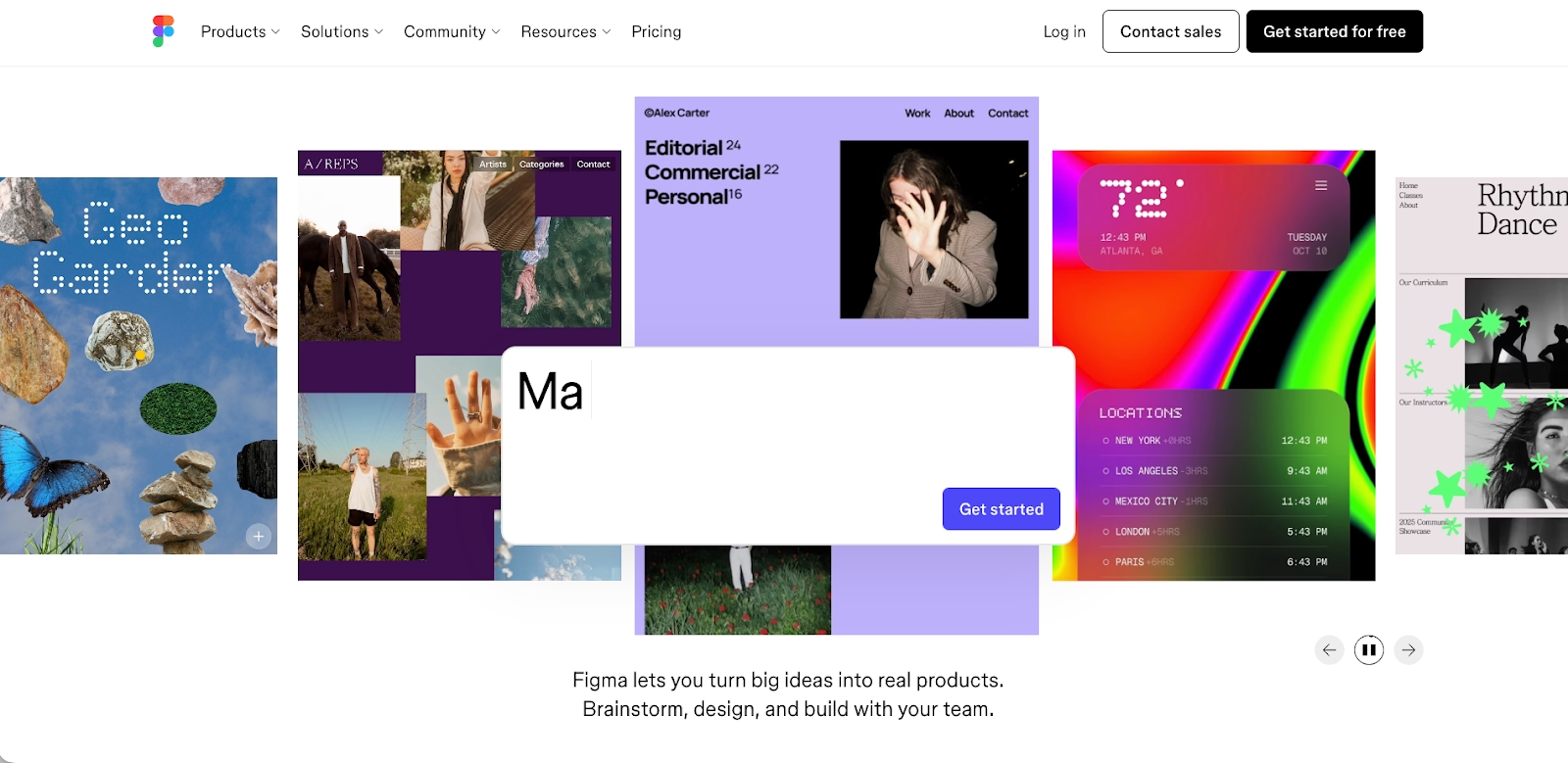
Figma is a professional design platform built for collaborative interface and visual design, making it fundamentally different from Canva’s template-driven approach. It is widely used for UI and UX design, product mockups, design systems, and high-fidelity layouts that require precise control. Unlike Canva’s drag-and-drop editor, Figma offers a canvas-based workflow with advanced design tools, components, and responsive layout controls.
As a Canva alternative, Figma is best suited for teams that need deep design control and real-time collaboration. Multiple users can edit designs simultaneously, comment directly on files, and manage shared design systems through libraries and components. While Figma has a steeper learning curve and is not ideal for quick social media posts or beginner-friendly designs, it excels at creating professional, scalable visuals where consistency, precision, and advanced design functionality matter most.
Adobe Express

Adobe Express is a powerful Canva alternative for users already invested in the Adobe Creative Cloud ecosystem. It combines streamlined design tools with deep integration into Adobe Stock, giving users access to a vast library of high-quality stock photos, videos, and design assets. This makes it especially well suited for marketing materials and branded content.
The platform also excels at video editing and social media content creation, allowing teams to produce professional visuals quickly without opening full tools like Photoshop or Illustrator. For marketers who want an all-in-one design platform backed by Adobe’s asset ecosystem, Adobe Express is a compelling option.
Pixlr

Pixlr is a flexible photo editing tool that serves as a lightweight alternative to more complex design software. It offers advanced features such as background removal, filters, and layer-based editing while maintaining a user-friendly interface. This makes it accessible for users who need quick image editing without a steep learning curve.
As a Canva alternative, Pixlr is best suited for users focused on image editing rather than full layout design. It works well for preparing visuals for social media posts, thumbnails, and marketing assets where speed and simplicity are priorities.
Fotor
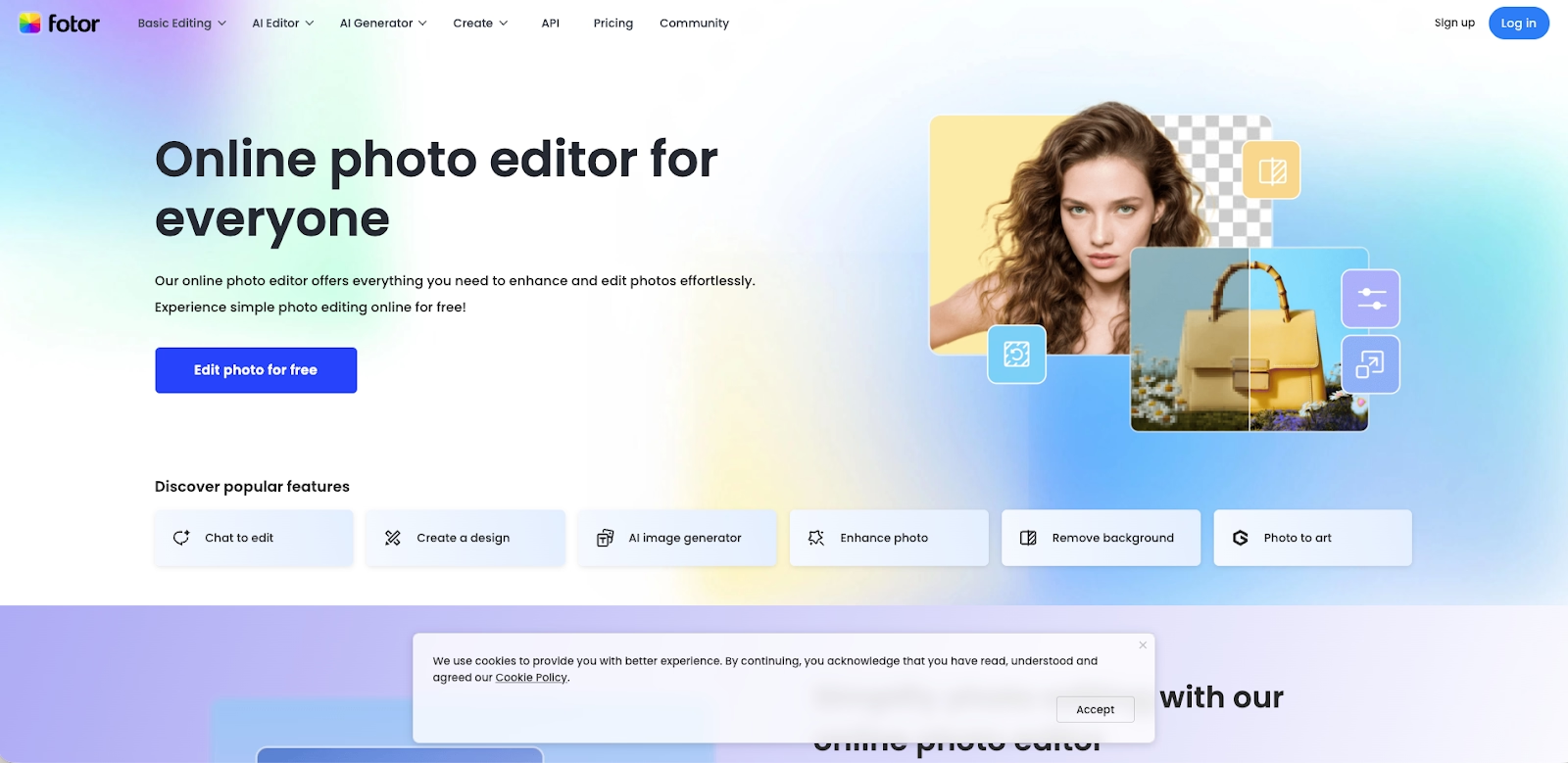
Fotor is a photo editing tool designed for quick designs and fast image enhancement. It includes advanced filters, retouching tools, and effects that make it a strong option for users who want Photoshop-like results without the complexity. The platform is especially popular for creating social media graphics and promotional visuals.
While it does not offer the same level of layout control as full design platforms, Fotor excels at rapid image editing and visual refinement. It’s a reliable choice for creators who prioritize speed and ease of use over advanced design workflows.
Illustrator
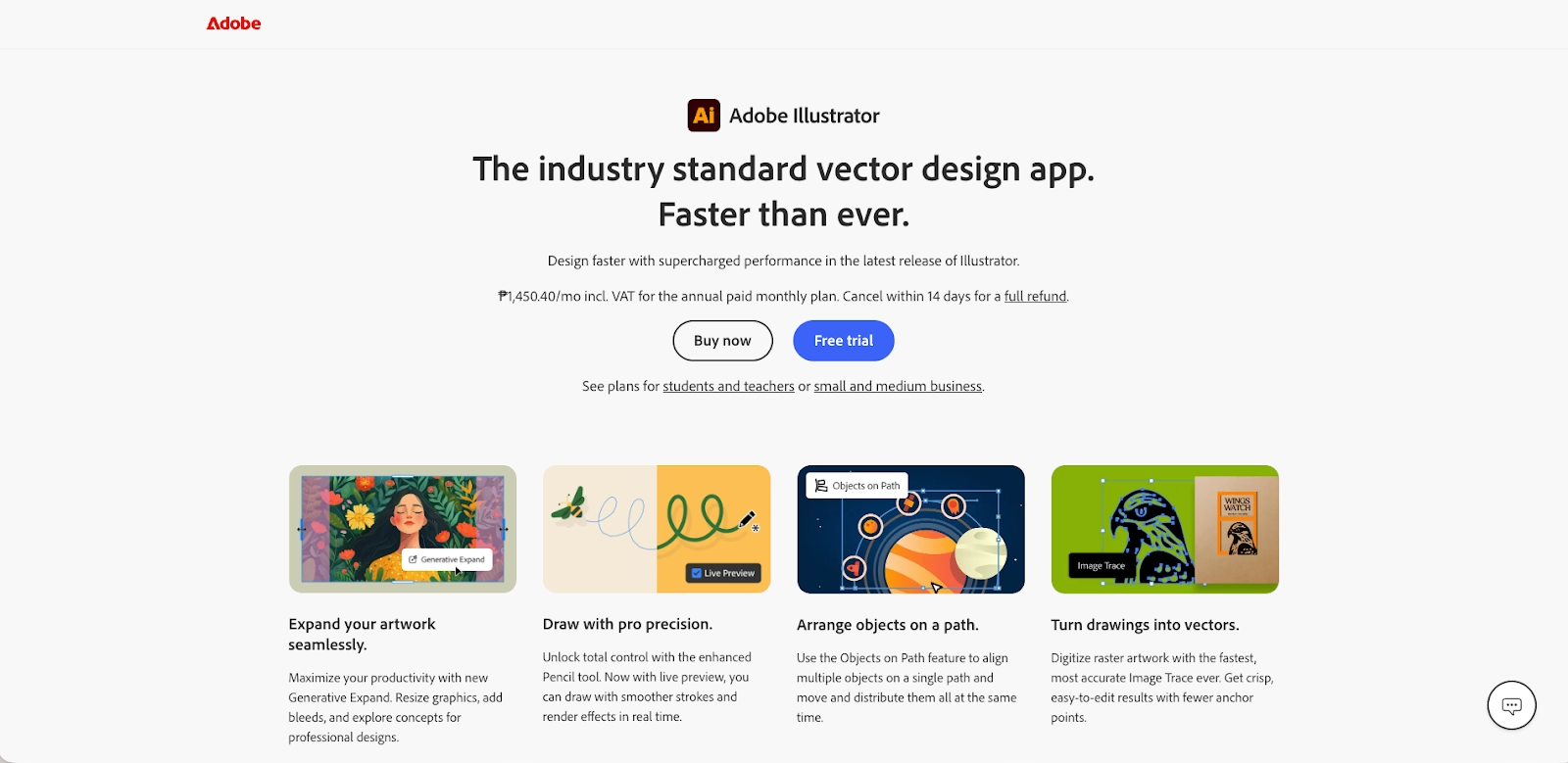
Illustrator is professional-grade graphic design software used for creating vector graphics, illustrations, and high-quality visual assets. It offers advanced editing capabilities that go far beyond basic design tools, including precise path controls, typography tools, and scalable artwork creation.
Unlike Canva, Illustrator is not beginner-friendly and requires design expertise. However, it remains essential for professional designers who need full creative control and the ability to produce assets for print, branding, and complex visual projects.
Snappa
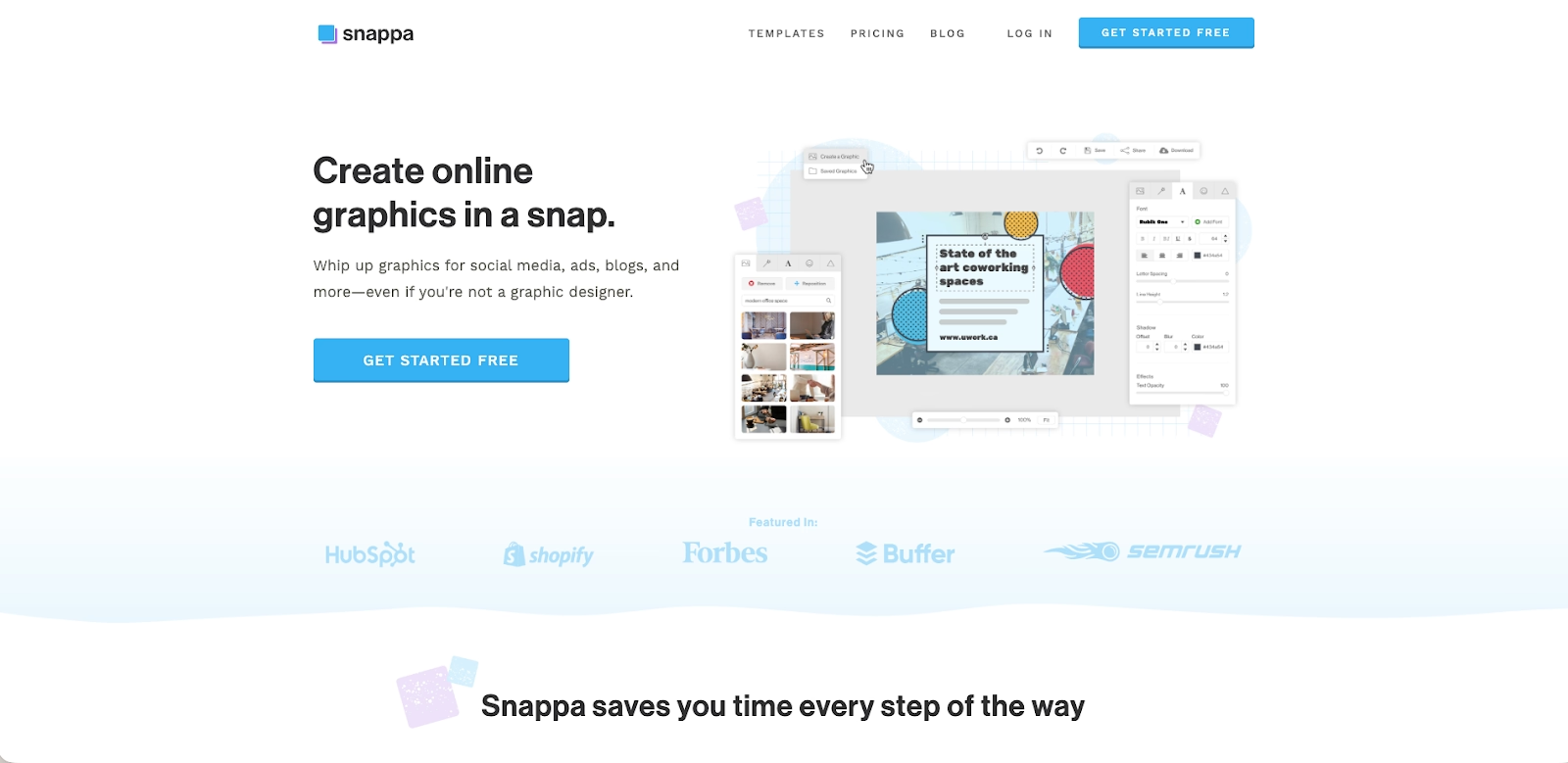
Snappa is a user-friendly design tool aimed at small businesses and non-designers who need quick results. It focuses on simple templates for social media graphics, ads, and infographics, allowing users to create visuals with minimal setup.
The platform emphasizes speed and ease of use over advanced customization. Small businesses often rely on Snappa for quick infographics and promotional assets when they need fast turnaround without investing time in complex design software.
VistaCreate
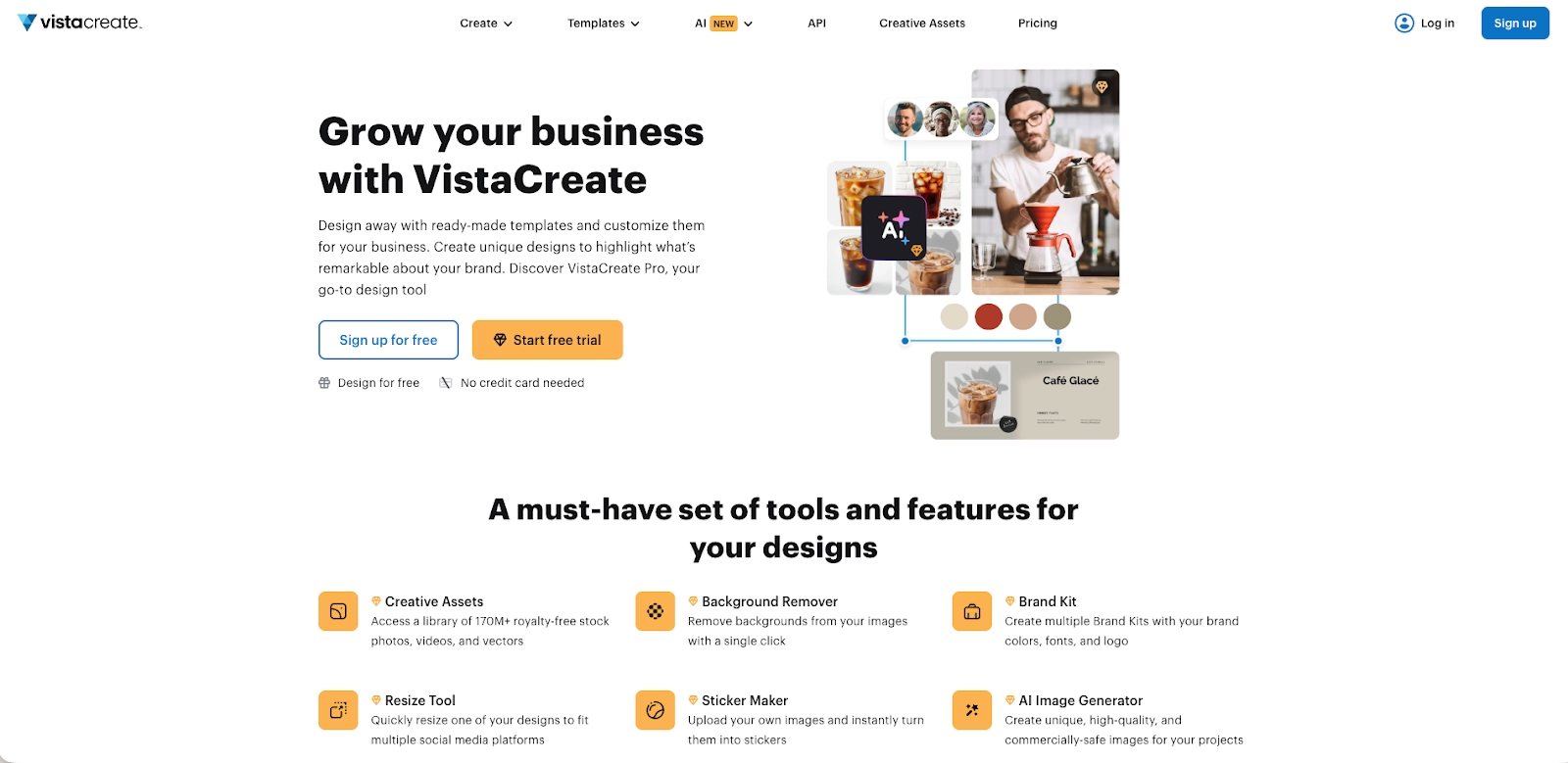
VistaCreate is a Canva competitor known for its quick-design approach and extensive library of royalty-free assets, including free images and animations. It offers a wide range of templates for social media posts, ads, and marketing materials, making it suitable for everyday content creation.
The platform is easy to use and designed for fast workflows, though it offers fewer advanced features than professional design tools. For users who want a familiar Canva-like experience with strong asset availability, VistaCreate is a solid alternative.
PicMonkey

PicMonkey is a design and photo editing tool optimized for fast, on-the-go creation. It is particularly popular for making collages, headers, and social media graphics using its mobile app. The platform offers unique collage layouts and quick editing tools that appeal to casual creators.
Available on both iOS and Android, PicMonkey works well for users who prefer designing on mobile devices. While it lacks advanced design systems or AI-powered automation, it remains a convenient option for quick edits and lightweight visual projects.
Key comparison criteria
When comparing Canva alternatives, it’s important to look beyond templates alone. Different design platforms excel in different areas, from AI-powered automation to advanced editing and collaboration workflows. The criteria below help clarify which design software best fits your needs, whether you’re creating social media graphics, infographics, marketing materials, or professional presentations.
AI features
AI-powered functionality has become a major differentiator among modern design tools. Some Canva alternatives focus on AI-generated layouts and content structure, while others emphasize image generation, background removal, or automated formatting. Tools like Gamma, Slidebean, and Beautiful.ai use AI features to reduce manual layout work and speed up presentation creation.
Canva’s AI tools are strongest for image editing, background removal, and quick visual generation, but they still rely heavily on drag-and-drop control. For users who want deeper AI automation, such as AI-powered slide structure, content flow, or design logic, alternatives with presentation-focused AI tools may offer greater efficiency.
Ease of use
Ease of use plays a critical role, especially for beginners and small businesses. Canva is widely known for its user-friendly interface and low learning curve, which makes it easy to start designing without prior graphic design experience. Many Canva alternatives aim to match this simplicity while offering more advanced functionality.
Some platforms trade ease of use for power. Tools with advanced editing, data visualization, or professional layouts may require more time to learn but offer higher-quality results in return. Evaluating how quickly users can move from idea to finished design is essential when comparing workflows.
Design quality and templates
Templates and layouts directly impact the quality of finished designs. Canva offers a large selection of templates for social media posts, infographics, presentations, and marketing materials, making it a popular all-in-one solution. However, not all templates are optimized for professional or data-heavy use cases.
Alternatives like Beautiful.ai, Visme, and Slidebean focus on high-quality, structured templates that maintain consistency across slides and documents. These platforms often prioritize professional designs, stronger layout logic, and cleaner formatting, which can be especially valuable for presentations and business content.
Collaboration
Collaboration features are essential for teams working in real time. Canva supports shared editing, comments, and brand kits, making it suitable for marketing teams and social media workflows. However, some alternatives go further by offering deeper real-time collaboration, version history, and workspace-level controls.
Platforms like Google Slides and Pitch excel at real-time collaboration, enabling multiple users to work on the same design simultaneously. These features are particularly useful for distributed teams that rely on shared workflows and fast feedback cycles.
Export and integrations
Export options and integrations determine how well a design tool fits into existing workflows. Canva supports common formats and integrates with tools for social media publishing and content scheduling. However, users who need advanced exports, such as editable PowerPoint files or structured presentation formats, may prefer alternatives.
Many Canva alternatives integrate more tightly with tools like Microsoft PowerPoint, Google Workspace, or analytics platforms. Export flexibility becomes especially important for teams that move designs between platforms or rely on external tools for final delivery.
Pricing
Pricing is a key factor when evaluating Canva alternatives. Canva offers a free plan and a free version suitable for basic use, while paid plans unlock premium templates, stock photos, and advanced features. For some users, these paid plans are cost-effective; for others, specialized tools may offer better value.
Alternatives vary widely in pricing models, from free tools and asset libraries to subscription-based platforms with advanced AI tools and collaboration features. Comparing free plans, paid plans, and overall functionality helps ensure the selected platform aligns with both budget and design needs.
Quick comparison snapshots
These head-to-head snapshots highlight how Canva compares with select alternatives in real-world use cases. Rather than listing every feature, they focus on workflows, ease of use, and where each tool delivers the most value for professional designs, marketing materials, and presentations.
Beautiful.ai vs Canva
Beautiful.ai and Canva serve different design priorities. Canva is an all-in-one design platform used heavily for social media posts, social media graphics, infographics, and quick marketing visuals. Its drag-and-drop editor, large template library, stock photo access, and free plan make it especially accessible for beginners and small businesses.
Beautiful.ai, by contrast, is purpose-built for presentations. Its AI-powered design engine automatically manages layouts, spacing, fonts, and visual hierarchy, reducing manual editing. While Canva gives users full creative control, Beautiful.ai minimizes formatting decisions to produce consistently high-quality presentations. Teams that primarily use Canva for slide decks often prefer Beautiful.ai for faster workflows and more professional presentation output.
Visme vs Canva
Visme and Canva overlap in use cases such as infographics, social media graphics, and marketing materials, but they differ in depth and control. Canva prioritizes speed and ease of use, making it ideal for quick designs and everyday visual content. Its learning curve is minimal, and its templates are optimized for fast turnaround.
Visme offers more advanced features, particularly in data visualization, interactive elements, and structured layouts. It supports more complex designs for reports, dashboards, and business presentations, though this comes with a slightly steeper learning curve. For users who feel limited by Canva’s functionality and want more control without jumping to tools like Photoshop or Illustrator, Visme is a strong Canva alternative.
Google Slides vs Canva
Google Slides and Canva approach design from different angles. Canva functions as a broad design tool for multiple asset types, while Google Slides is focused almost entirely on presentations. Google Slides excels in real-time collaboration, shared workflows, and seamless integration with Google Workspace.
Compared to Canva, Google Slides offers fewer design elements, templates, and image editing tools. However, it provides a more reliable environment for teams that need simultaneous editing, structured presentations, and simple exports. Users who rely heavily on real-time collaboration and already work inside Google’s ecosystem often choose Google Slides over Canva for presentation-focused workflows.
Conclusion
Canva continues to be a popular design platform for creating social media graphics, infographics, and quick marketing materials, thanks to its drag-and-drop editor, broad template library, and low learning curve. However, as teams scale or shift toward more presentation-driven work, many users begin looking for Canva alternatives that offer stronger structure, automation, and professional-grade output. Different tools excel in different areas, whether that’s data visualization, real-time collaboration, or AI-powered content creation.
For teams focused on producing high-quality presentations efficiently, Beautiful.ai stands out as the most compelling alternative to Canva. Its AI-powered design engine removes much of the manual layout work, ensuring consistent fonts, layouts, and visual hierarchy without sacrificing polish. Rather than replacing Canva for every use case, Beautiful.ai complements and elevates presentation workflows, making it an ideal choice for professionals who want faster creation, cleaner designs, and more reliable results at scale.
Why customers are switching to Beautiful.ai
Beautiful.ai is an AI-powered presentation platform that helps teams create polished, on-brand slides in a fraction of the time, without design skills or manual formatting.
- Design automation built in. Whether you're building pitch decks, reports, or internal presentations, Beautiful.ai’s Smart Slides automatically format content so you never worry about spacing, alignment, or layout again. Add your content, and the design adjusts instantly.
- ️No design experience required. Create professional decks without touching text boxes or manually arranging elements. Choose from Smart Templates and let the AI handle layout decisions, visual hierarchy, and consistency across the entire deck.
- Branding? Already handled. Keep every slide on-brand with your fonts, colors, and logos applied automatically. Beautiful.ai ensures every team member creates presentations that look like they came from a dedicated design team—without extra work.
- Real-time collaboration & team controls. Collaborate directly on the same deck, leave comments, manage permissions, and maintain consistency across team presentations. Perfect for growing teams and cross-functional workflows.
- Faster workflows, fewer revisions. Jump from rough outline to polished presentation in minutes, not hours. Beautiful.ai reduces back-and-forth edits by enforcing on-brand design rules and helping you iterate faster with AI-assisted slide creation.
