Beautiful.ai now works with Claude
Create presentations with Claude using natural language, search your Beautiful.ai account, and move your draft into Beautiful.ai for editing and presenting.

From prompt to presentation - in one connected workflow
Claude prompt
Describe your idea, outline or key points
Beautiful.ai presentation
Open a structured and easy-to-edit deck.
Collaborate and share
Edit at superspeed with Smart Slides and Themes.
Present & impress
Discover animated slides and presenter features.
Create where you think. Present with control.
The Beautiful.ai Claude Connector lets you use natural language in Claude to create presentation drafts, then seamlessly continue editing in Beautiful.ai. Beautiful.ai is a Verified Claude Connector, available in Anthropic's Connectors Directory and built on the Model Context Protocol (MCP). Your presentations stay editable, on brand, and ready for work.
How to get started with the Claude Connector
1. Connect in a click
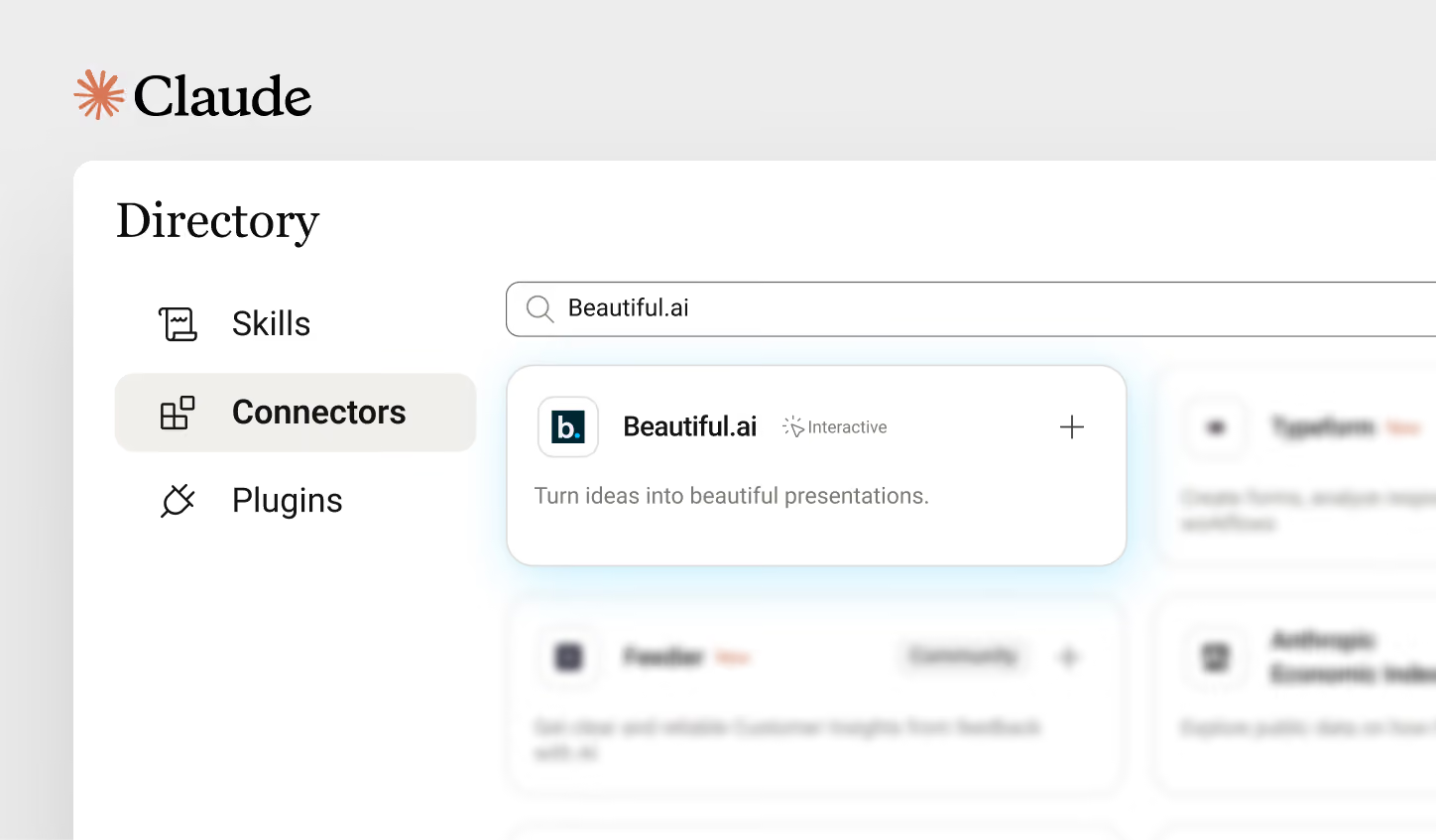
Securely connect your Beautiful.ai account to Claude from the Connectors Directory in Claude's settings.
2. Create in Claude
Describe your presentation, share notes, or provide an outline. Claude creates a structured Beautiful.ai presentation.
3. Refine in Beautiful.ai
Open your presentation in Beautiful.ai to edit content, apply themes, fine-tune layouts, and collaborate with your team.
What you can do with the Claude Connector
Frequently asked questions
Yes. With the Beautiful.ai Claude Connector enabled, Claude can turn a prompt, outline, or pasted document into a full Beautiful.ai presentation. Each slide arrives structured and designed with Smart Slides, ready to open in Beautiful.ai.
Yes. You'll need a Beautiful.ai account to connect with Claude. During setup, you'll securely sign in and authorize the connector to access your Beautiful.ai content on your behalf.
You can turn prompts, notes, meeting summaries, strategy documents, or outlines into Beautiful.ai presentations using natural language. You can also start from existing Beautiful.ai templates and brand themes.
Absolutely. Claude creates the initial presentation, then you can open it in Beautiful.ai to refine content, update layouts, apply themes, collaborate with teammates, and prepare it for sharing.
Yes—if you give permission. Once connected, Claude can search and retrieve presentations, templates, folders, and themes that your Beautiful.ai account already has access to. It cannot access content you don't have permission to view.
Yes. The connector uses secure OAuth authentication, so Claude never receives or stores your Beautiful.ai password. It only accesses content and performs actions that your authenticated Beautiful.ai account is already authorized to use.
Yes. If your Beautiful.ai account has access to team workspaces, templates, and themes, Claude can use them when creating presentations, helping you produce work that's consistent with your organization's brand.
The connector can create presentations, search existing decks, browse templates and themes, find presentations, and export presentations as PowerPoint or PDF—all from within Claude.
Yes. Once your presentation is complete, you can export in other file formats, present, or continue working in Beautiful.ai with full functionality.
Beautiful.ai also integrates with ChatGPT, alongside Slack, PowerPoint, and Webex. The Claude Connector is built on MCP and runs inside Claude's Connectors Directory. Both work the same way: prompt in chat, get designed slides, and finish in Beautiful.ai.

Discover a faster way to create stunning presentations.
Work smart, work simple, work beautiful.
