{{template-name}} Template

{{template-name}} template styles
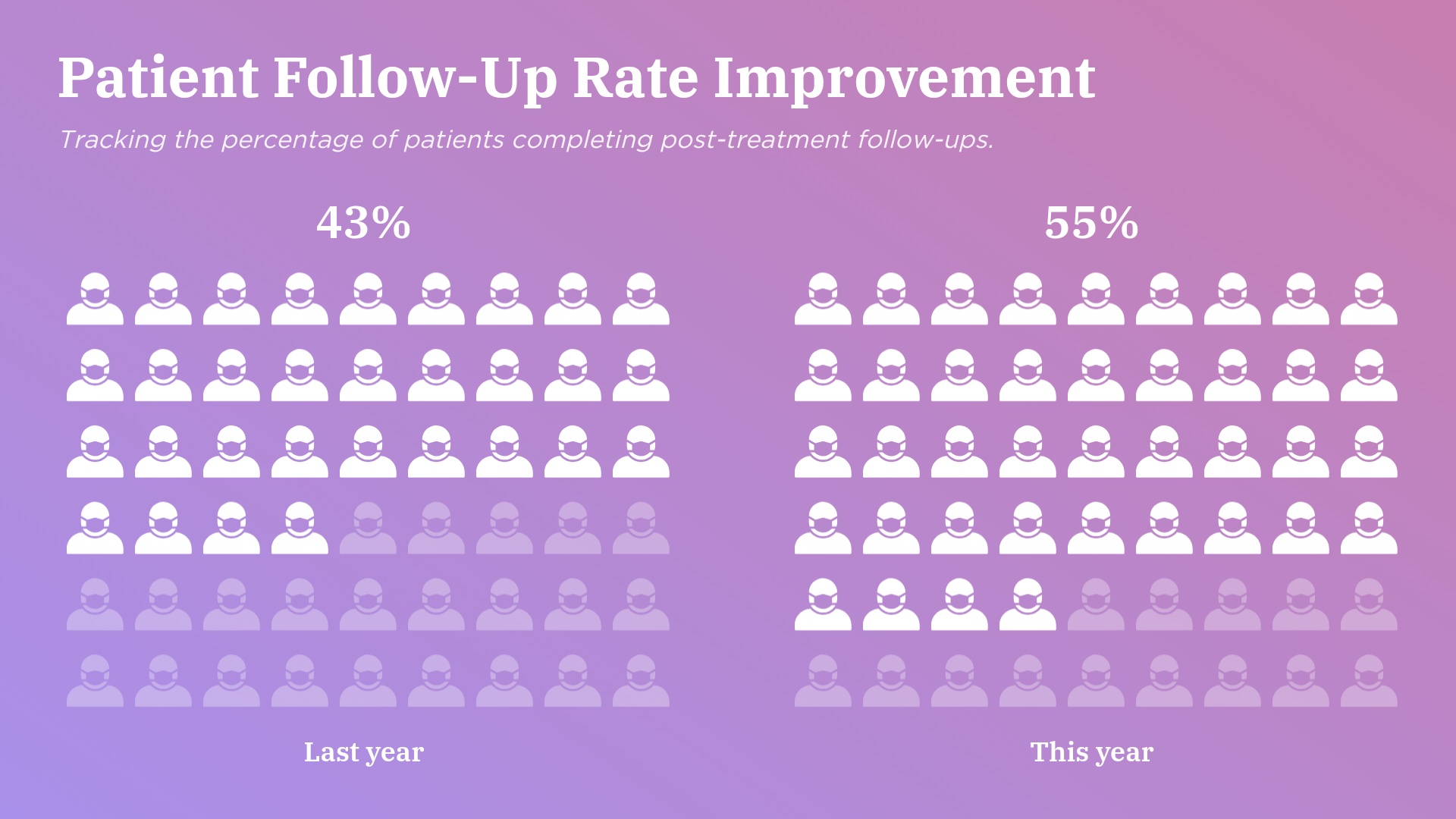
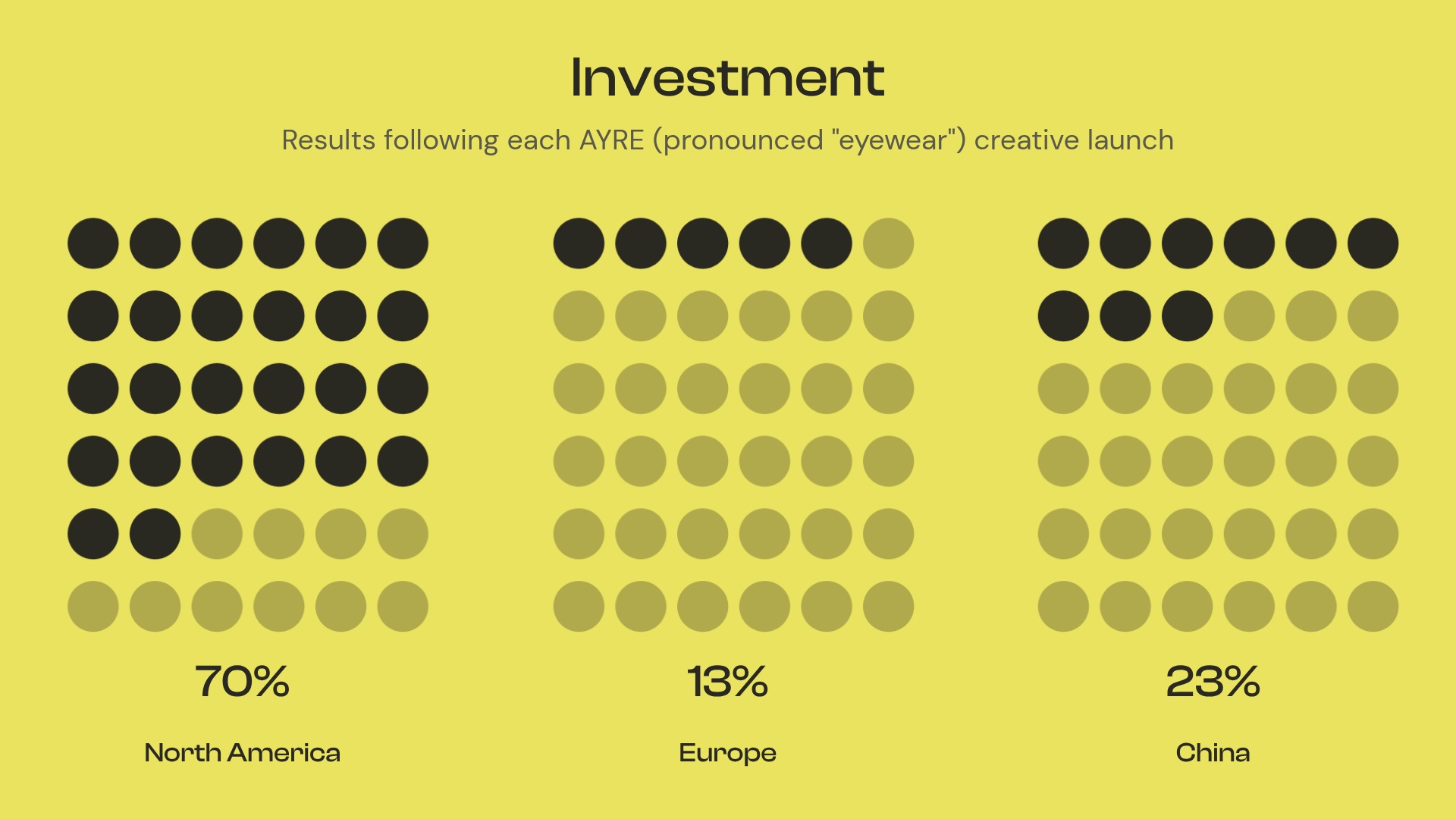
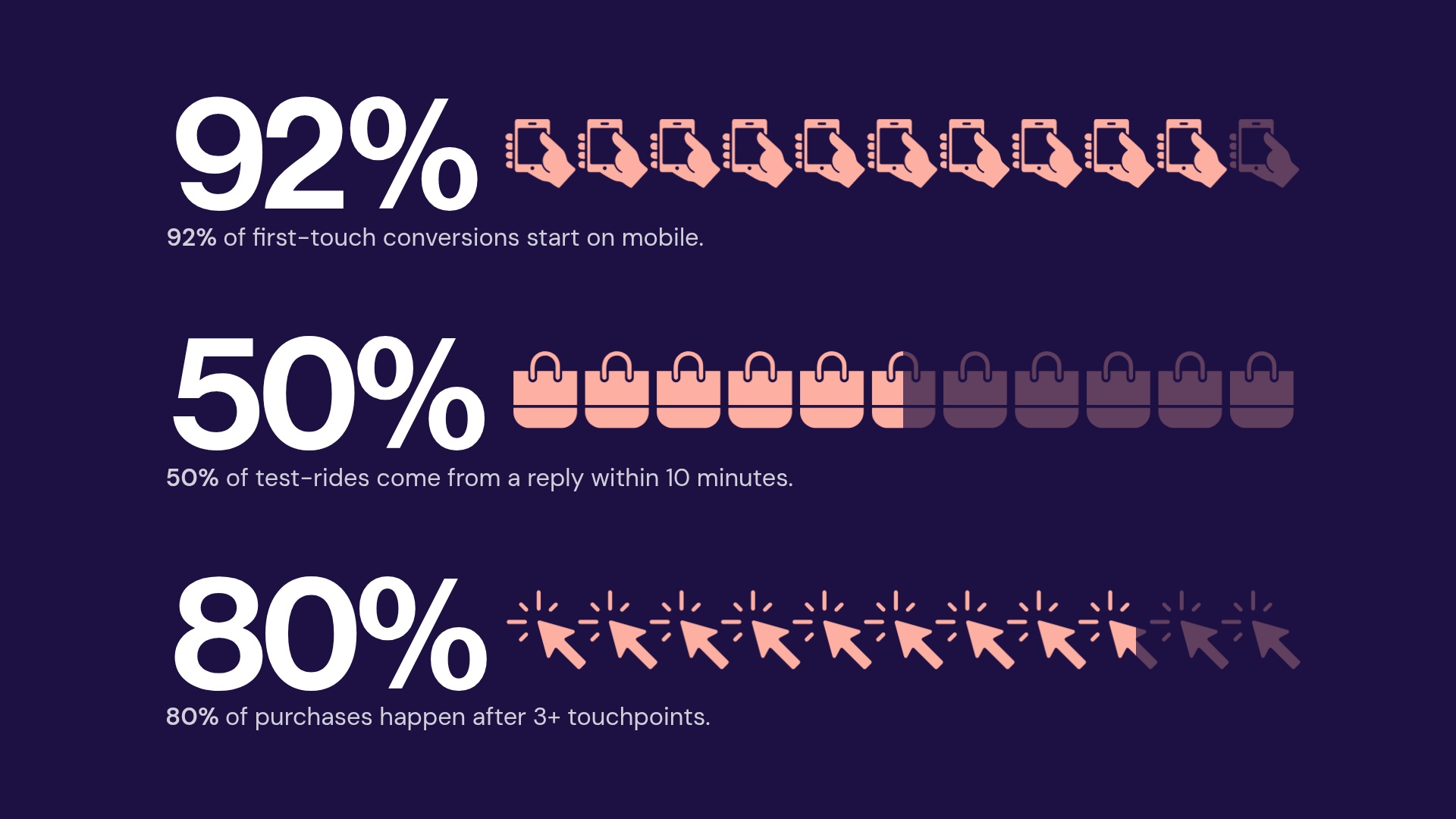
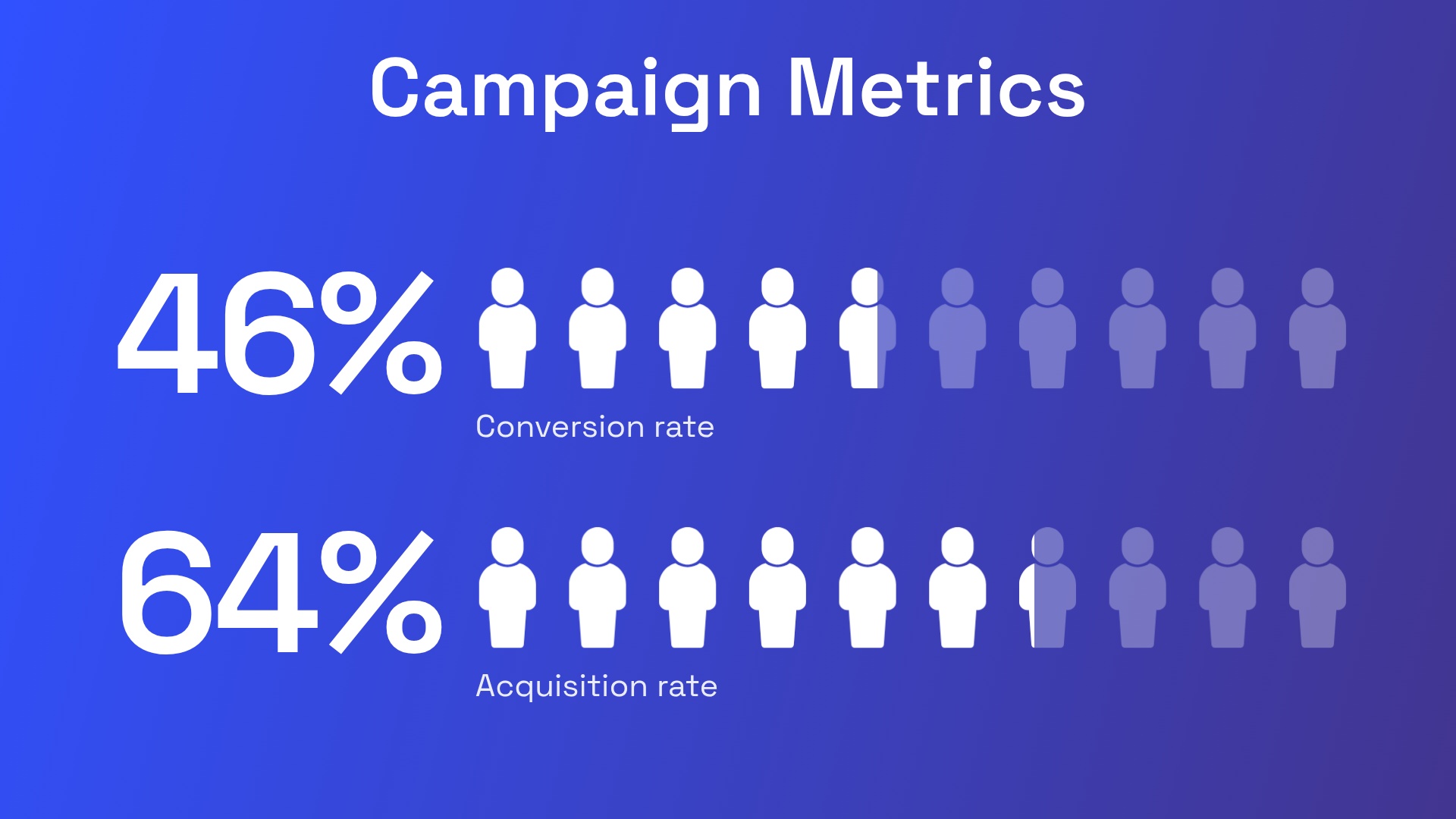
What is a {{template-name}}, and when should you use one?
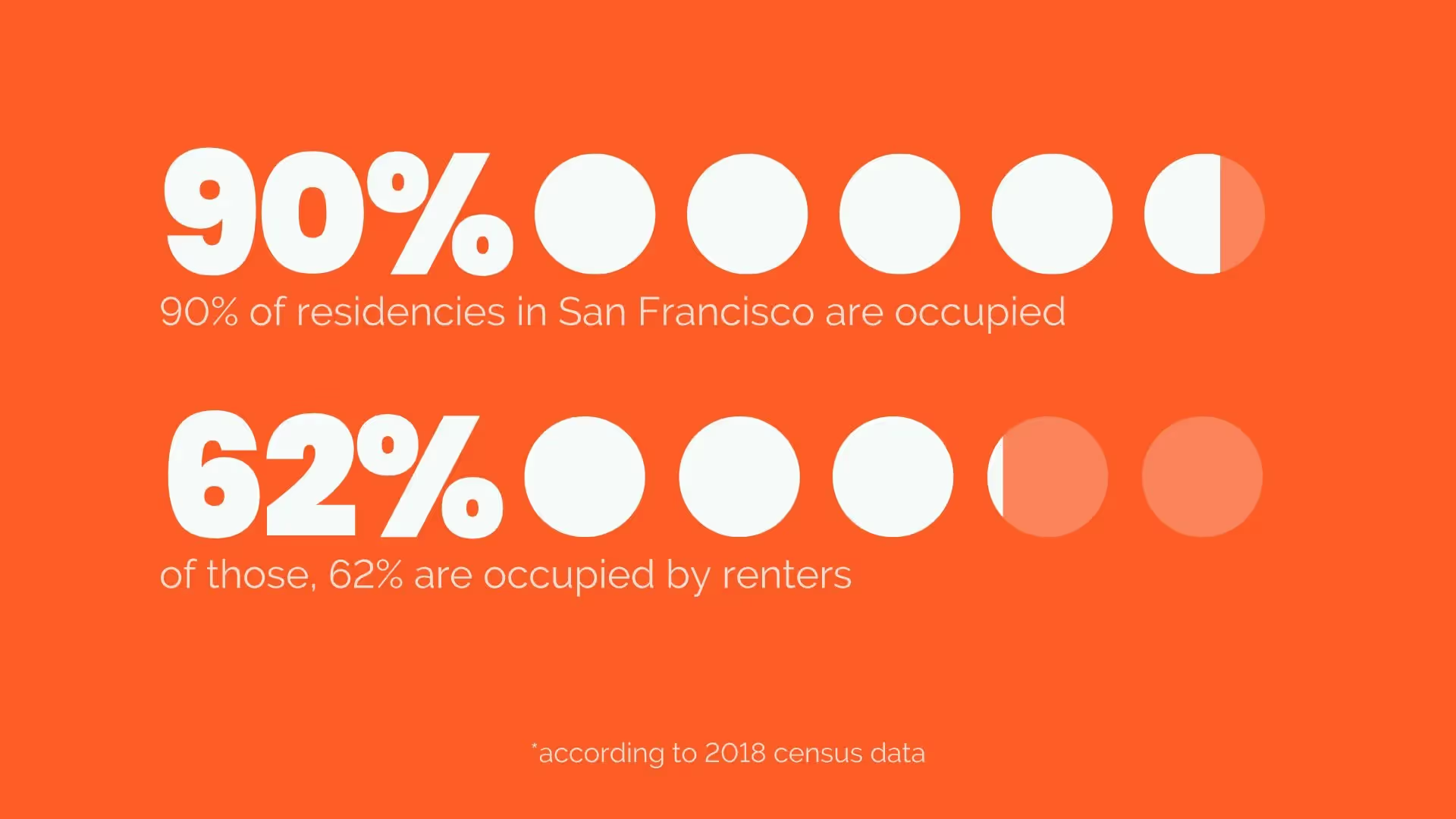
Over 65% of people are visual learners. To make sure your presentation is memorable, consider adding a pictograph template. A pictograph template uses repeating rows or a grid of icons to represent data. Also called an icon chart, picture chart, or pictogram, pictographs display data in a simple, compelling way.
Use our pictograph template to:
• Report progress to a goal
• Add variety and visual interest to your presentation
• Make statistics memorable and impactful
How to use the {{template-name}} Template
Open the template.
Click Use this template and the template opens in the Beautiful.ai editor.
Add your data.
Type your values, icons, and labels in, upload a document or data file, or describe it and let AI fill the template.
Make it yours.
Adjust colors and labels to match your presentation; Smart Slides keep the layout aligned as you edit.
Present or export.
Share a live link, present in Beautiful.ai, or export to PowerPoint, Google Slides, or PDF.

Pro Tips for a Pictograph Template
Remember these tips when creating a pictograph template slide.
.avif)

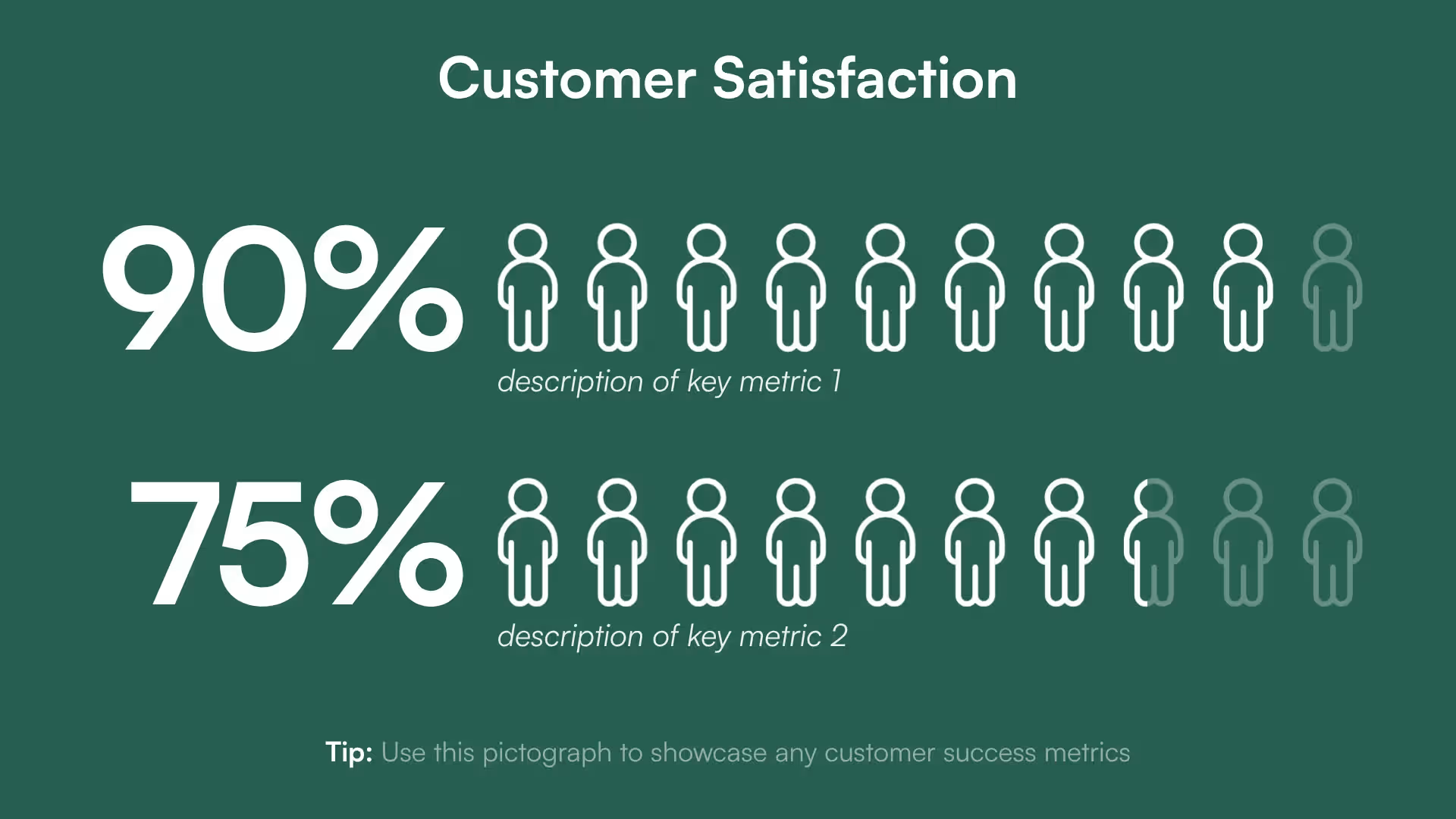
Pick an that makes sense for the data it will represent. For example, you might use a coin for the number of sales or a person for a number of users.
Icons in your pictograph work best when they're simple and easily understood. If they're too detailed or busy, they'll distract your audience.
Pictographs aren't just for displaying statistics. A pictograph example can show the status of a project or the average user rating of a product.
Use a darker shade of one color for the percentage you're highlighting, and a lighter shade of the same color for the remaining icons. Contrasting colors look too confusing.
Discover AI capabilities for pictograph
With these AI-driven features, you can optimize your pictograph in seconds to create more engaging, effective visuals.
Refine copy on an pictograph slide
Summarize pictograph data
Find trends and relationships in the data
Create a supporting image
Browse more templates

{{template-name}} template FAQ
Lorem ipsum dolor sit amet, consectetur adipiscing elit, sed do eiusmod tempor incididunt ut labore et dolore magna aliqua. Ut enim ad minim veniam, quis nostrud exercitation ullamco laboris nisi ut aliquip ex ea commodo consequat. Duis aute irure dolor in reprehenderit in voluptate velit esse cillum dolore eu fugiat nulla pariatur.
More {{template-category}} templates
AI-powered Smart Slides that do the design for you
Build your next presentation using Smart Slides—the intelligent building blocks behind every Beautiful.ai presentation. Each Smart Slide is customizable, editable with AI, and automatically adapts layout and spacing as your content changes.


“Beautiful.ai helps us quickly create clear and compelling presentations to share our strategy and results. It has been easy to integrate our branding and to pull from the library of materials created by others — building a cohesive and collaborative suite that helps us advance our mission."

"Beautiful.ai increased our efficiency. I mean, 50% sounds crazy, but it's pretty accurate when you consider all of the manual stuff that we used to have to do that Beautiful.ai now does for us."

"What you guys have created is a foolproof way to ensure quality presentations. It's almost just like they have a graphic designer over their shoulder while they're creating their decks."

“For any business owner or entrepreneur where time is of the essence you lose the ability to put those nice touches on presentations, Beautiful.ai does it for you, especially if you aren't creatively gifted!”
Ready-to-use presentation templates for creating full, polished decks.



Pitch Decks



Reports & Reviews



Plans & Strategies

Try it free for 14 days
Start building Beautiful presentations.

